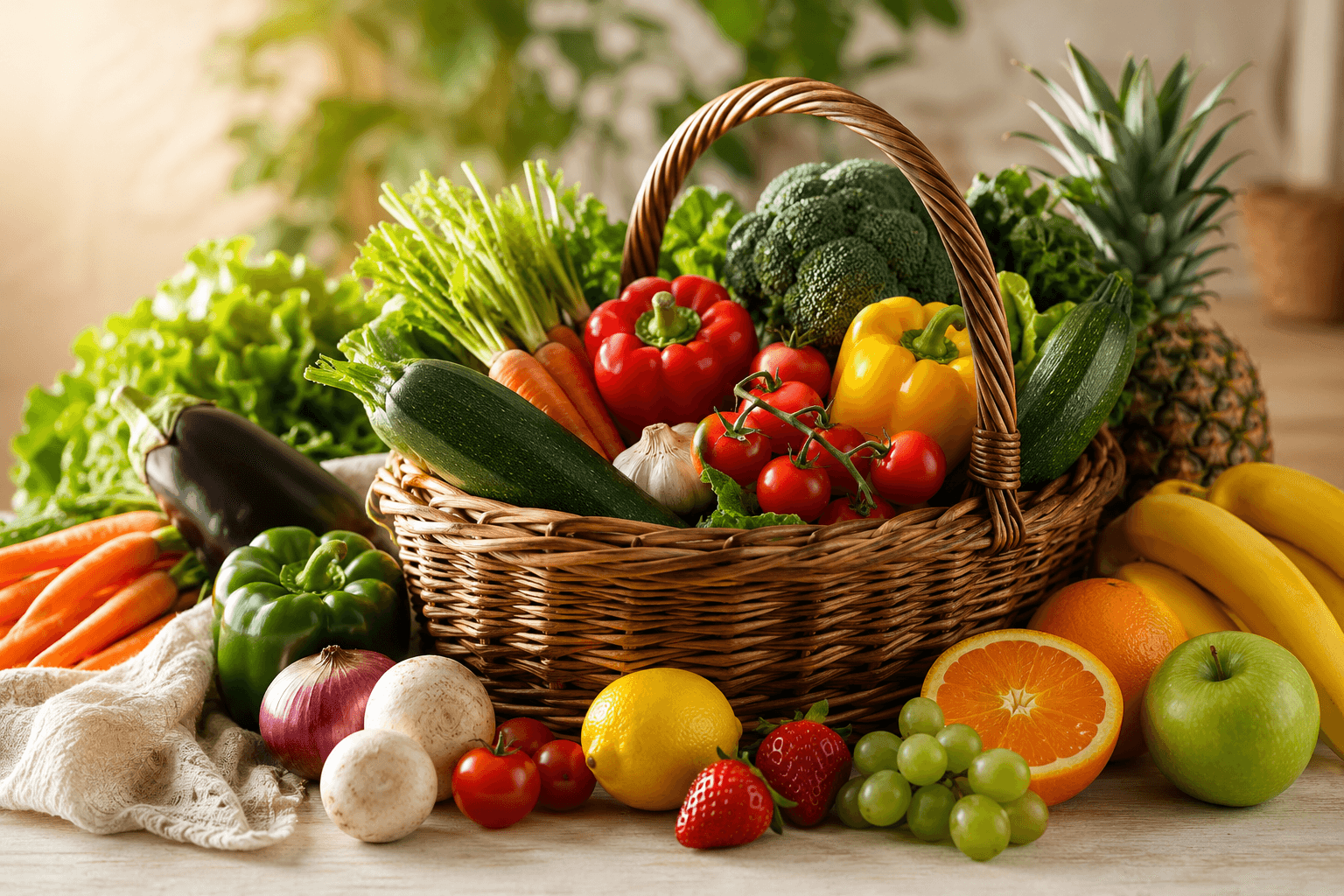
Know what's in your kitchen, always.
SafeDiet keeps track of what's in your pantry — what's arrived, what's reserved for a meal, and what's running low — so nothing goes to waste.
Deliveries added automatically
Import a delivered grocery order straight into your kitchen inventory in a couple of taps — no manual re-entry.
See what's reserved for meals
Ingredients earmarked for this week's plan are tracked separately from your general stock, so you always know what's spoken for.
Reduce food waste
Knowing what's already on hand before you buy more means less duplicate shopping, and less food going unused.
Simple manual add
Already got groceries you didn't order through SafeDiet? Add them to your kitchen in a few taps and track them the same way.
Kitchen & pantry tracking, answered
Does SafeDiet automatically track groceries I buy elsewhere?
Orders delivered through SafeDiet can be imported into your kitchen inventory automatically. Groceries bought elsewhere can be added manually in a few taps.
How does the pantry tracker reduce food waste?
By showing what you already have on hand before you plan or buy more, so you're less likely to duplicate purchases or let ingredients go unused.
Can I manually add items to my kitchen inventory?
Yes — you can add any item with a quantity and unit, whether or not it came from a SafeDiet order.
Does it tell me when I'm running low on something?
Your kitchen inventory shows what's available, what's reserved for upcoming meals, and what's been consumed, so it's easy to see what needs topping up.
The rest of the picture
Your kitchen is one part of SafeDiet — here's how the other pieces fit together.
Ready to eat better and feel your best?
Join thousands of people who are saving time, eating healthy, and staying within budget with SAFEDIET.
No credit card required. Cancel anytime.